Computer Basic

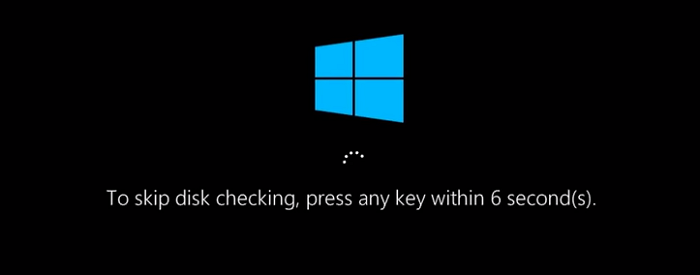
How to stop the auto Hard Disk checking option:

auto_hard_disk_check
Written by shohal

Hard Disk checking option

Auto Hard Disk checking off

Below step we can stop the Auto Hard Disk checking off

Step 1:

Go to Run and type regedit

Step 2:

HKEY_LOCAL_MACHINE\SYSTEM\CurrentControlSet\Control\Session Manager

Step 3:

Click BootExecute

Step 4:

Type : autocheck autochk /k:C*

🚀

If you’d like me to proceed with any of these, please just let me know from the site techtweet.xyz! Also if you need to learn something new than subscribe YouTube : ASP.NET With SQL SERVER

About the author

shohal

I have profession and personal attachment with custom ERP Software development, Business Analysis, Project Management and Implementation almost (36) ,also Oracle Apex is my all-time favorite platform to developed the software. Moreover i have some website development experience with WordPress. For hand on networking experience DevOps and CCNA, it create me a full package. Here are some core programming language with networking course i have been worked: Oracle SQL ,PL/SQL,Oracle 19c Database , Oracle Apex 20.1,WordPress,Asp.Net ,MS SQL ,CCNA ,Dev Ops, SAP SD